ROLE
TEAM
DURATION
RESULTS
The Problem

How Research Shaped the Interface

02. Core UI Kit Buttons, dropdowns, text fields, checkboxes, chips, radio buttons, toggles, tooltips, and breadcrumbs. I paired directly with the two junior designers here so the system reflected shared decisions, not just mine.

03. Chat & Bubble System The core of what made this a virtual assistant system rather than a generic UI kit. Thirteen bubble variants and ten expanded states, covering everything from plain text replies to rich media and multi-step interactions, plus a bot switcher for multi-agent handling.

04. Application Components Modals, notifications, file upload flows, date pickers, webview headers, and a 23-variant QR and CTA component for omnichannel deployment, the pieces a real conversational product needs once it leaves the demo stage.

05. Enterprise Data Patterns A reference library of 101 table variants and 49 filter configurations, so whichever team touched an enterprise dashboard later had a tested pattern instead of designing tables from scratch.

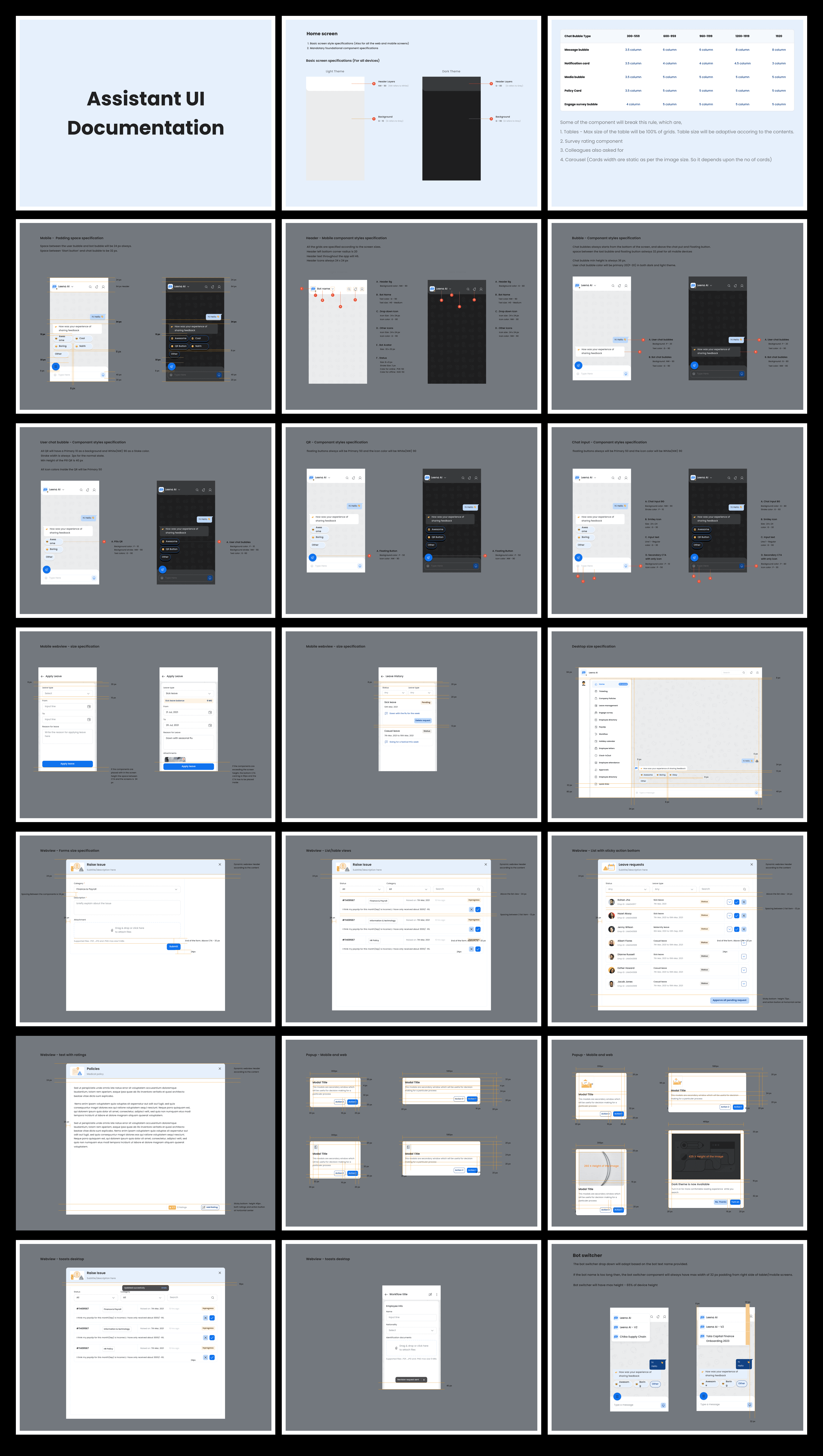
06. Documentation Thirty-two documented configuration patterns covering states, interactions, and usage guidelines, so an engineer could open a component and know exactly how to build it without pinging design first.
Interface
The System in Action Foundations, core components, chat bubbles, and the enterprise table kit shown together in one working interface, the full system applied to a real screen rather than shown piece by piece.
